
Why Your Business Card Needs a WhatsApp QR Code in 2025
Published on 05 Jun 2026
A business card with a WhatsApp QR code turns a passive piece of card into an active connection starter. Here's why every professional needs one.
Why Your Business Card Needs a WhatsApp QR Code in 2025
Business cards are still being handed over at conferences, meetings, trade shows, and client visits every single day. But what happens to most of them? They go into a wallet or bag, get forgotten, and eventually end up in the bin.
The problem isn't the business card — it's the friction between receiving a card and actually making contact. A WhatsApp QR code eliminates that friction entirely.
The Traditional Business Card Problem
When someone receives your card, they have to:
- Read your number
- Manually type it into their phone
- Send a message
- Wait for you to figure out who they are
By step 3, most people have given up. Or they've moved on to the next conversation at the event and forgotten.
A WhatsApp QR code changes the process to:
- Scan the QR code on your card
- WhatsApp opens with your number and a message pre-loaded
- They send it
Three seconds. Done. The conversation has started.
What Makes a WhatsApp QR Code Better Than a Regular QR Code
Many business cards already have QR codes. Most link to a website or LinkedIn profile — destinations that require the person to remember context and take further action. A WhatsApp QR code leads to a direct conversation. It's the difference between sending someone to a brochure and picking up the phone.
The personal immediacy of WhatsApp is its superpower. People respond to WhatsApp messages. They don't always respond to emails from someone they met briefly at a conference.
What to Write in the Pre-Filled Message
The pre-filled message that appears when someone scans your QR code is a conversion tool. Make it work for you. Options:
- For general networking: "Hi [Your Name], it was great meeting you! Let's stay in touch."
- For sales professionals: "Hi, I'd love to learn more about [Company Name]'s services."
- For freelancers: "Hi, I'm interested in discussing a project with you."
- For consultants: "Hi, I'd like to book a discovery call."
Choose the pre-fill that fits your profession and goals.
Creating Your Business Card WhatsApp QR Code
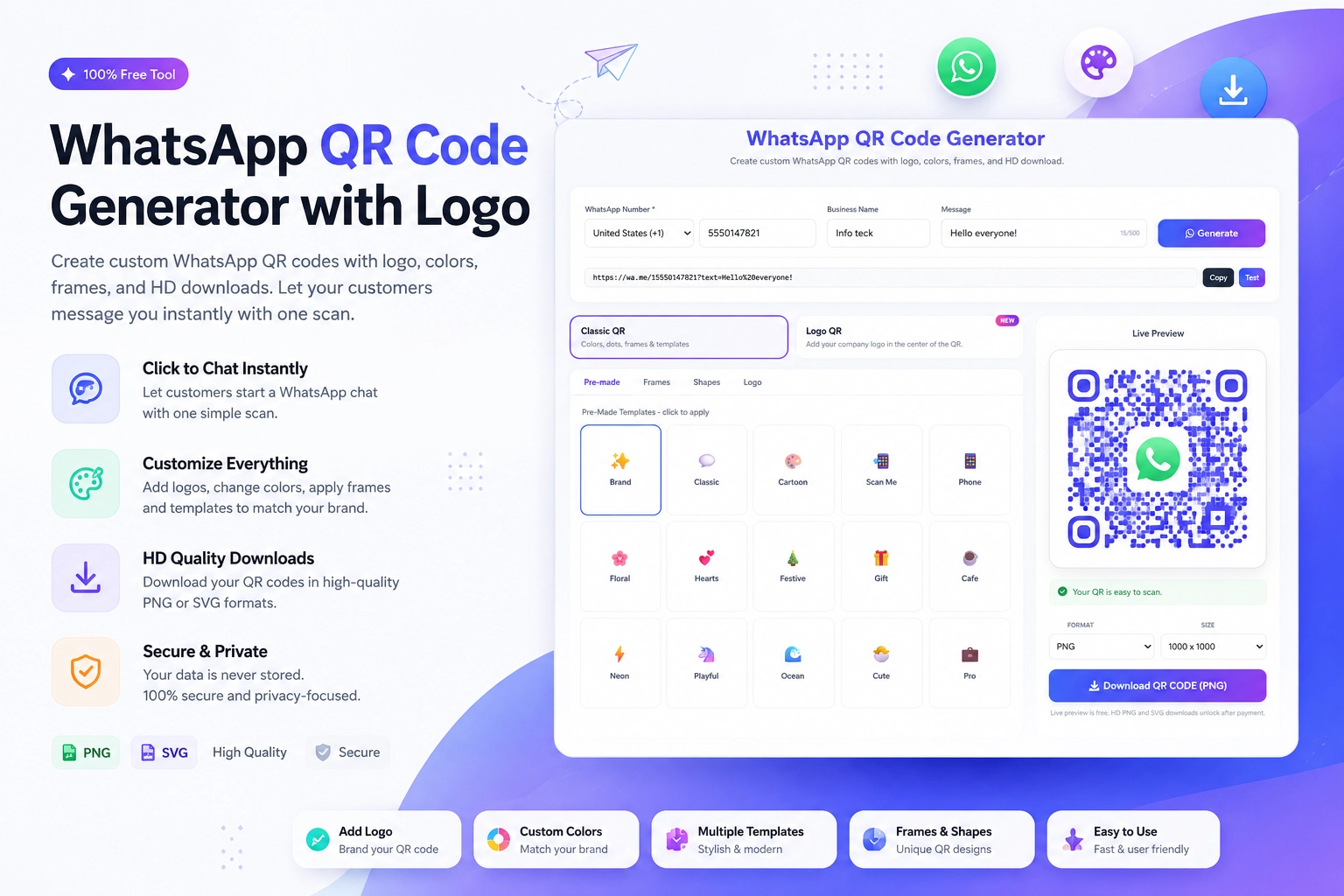
Generate your WhatsApp QR code in two minutes at the free WhatsApp QR Code Generator at https://instantconverttools.com/whatsapp-qr-code-generator. Enter your phone number, write your pre-filled message, optionally add your logo or brand color, and download.
For business cards, download in SVG format for sharp, print-ready quality. Minimum print size: 1.5cm x 1.5cm (though 2cm x 2cm is better for reliability).
Designing Your Business Card with a WhatsApp QR Code
Placement Options
- Back of the card (most common — keeps the front clean)
- Front of the card in a corner (good if you want it prominent)
- Vertical card layout with QR code on the right half
Design Tips
- Add the WhatsApp logo near the QR code so recipients know where it leads
- Include a micro-CTA: "Scan to chat" or "Message me on WhatsApp"
- Use your brand color in the QR code using the generator's customization tool
- Ensure there's at least 5mm of clear space around the QR code
Fonts and Legibility
Keep the rest of the card clean. If you add a QR code, you don't need a long list of contact details. Your name, title, company, and website alongside the WhatsApp QR is a complete, modern card.
Business Card Printing Options That Support QR Codes
Most online business card printers (Moo, Vistaprint, Canva Print, Zazzle) support high-resolution image uploads. Your WhatsApp QR code SVG will print perfectly on all of these platforms.
For premium cards with QR codes, consider:
- Raised spot gloss on the QR code (makes it pop and readable)
- Soft-touch matte cards (look premium, scan reliably)
- NFC-enabled cards that complement the QR code (some business card companies offer both)
The Response Rate Difference
Professionals who add a WhatsApp QR code to their business cards consistently report higher connection rates after networking events. Here's why it works:
- The scan happens in person, immediately after meeting — while the interaction is still warm
- WhatsApp feels personal, not corporate
- The pre-filled message removes the "what do I say?" barrier
- Both parties have a record of the connection in their chat history
Give Your Business Card a Reason to Be Kept
Your business card should start a conversation, not just store your contact information. Add a WhatsApp QR code using the free Create WhatsApp QR Code tool at https://instantconverttools.com/whatsapp-qr-code-generator and make every handoff a conversation starter.