
WhatsApp QR Code for Online Sellers: The Complete Sales Guide
Published on 06 Jun 2026
Online sellers who use WhatsApp QR codes close more sales through personal conversation. Here's the full guide to using WhatsApp as your primary sales channel.
WhatsApp QR Code for Online Sellers: The Complete Sales Guide
Online selling is getting harder. Ad costs are rising, organic reach is shrinking, and the e-commerce market is more competitive than ever. But while big platforms fight for algorithmic dominance, thousands of small online sellers are quietly building highly profitable businesses through a different channel: WhatsApp.
A WhatsApp QR code is your starting point. Here's the complete guide.
Why WhatsApp Works for Online Sellers
WhatsApp has over 2 billion users. In most markets, it's the messaging app people check most frequently. For online sellers, this means:
- Your customers are already on the platform
- Messages are read within minutes (not days like email)
- Conversations feel personal, not transactional
- You can share photos, videos, PDFs, voice notes, and payment links
- There's no algorithm suppressing your messages
Compare this to selling through Instagram (algorithm-dependent), Facebook Marketplace (competitive clutter), or your own website (traffic required). WhatsApp is a direct channel to your buyers.
What Types of Online Sellers Benefit Most
WhatsApp sales work particularly well for:
- Fashion and clothing sellers (custom orders, size queries, styling advice)
- Handmade and artisan goods (one-of-a-kind items, custom requests)
- Beauty and skincare products (shade matching, skin type advice)
- Food and specialty groceries (order customization, dietary queries)
- Digital products (instant WhatsApp delivery)
- Electronics and accessories (specs queries, compatibility questions)
- Plants and home decor (care advice drives trust and sales)
Setting Up Your Online Seller WhatsApp System
Step 1 – Get WhatsApp Business
Download WhatsApp Business (free). Set up your business profile with your shop name, category, logo, description, website link, and email. This makes you look professional from the first message.
Step 2 – Set Up Your Product Catalog
WhatsApp Business has a built-in catalog. Add your top products with images, descriptions, and prices. When customers message you, you can share the catalog instantly.
Step 3 – Generate Your QR Code
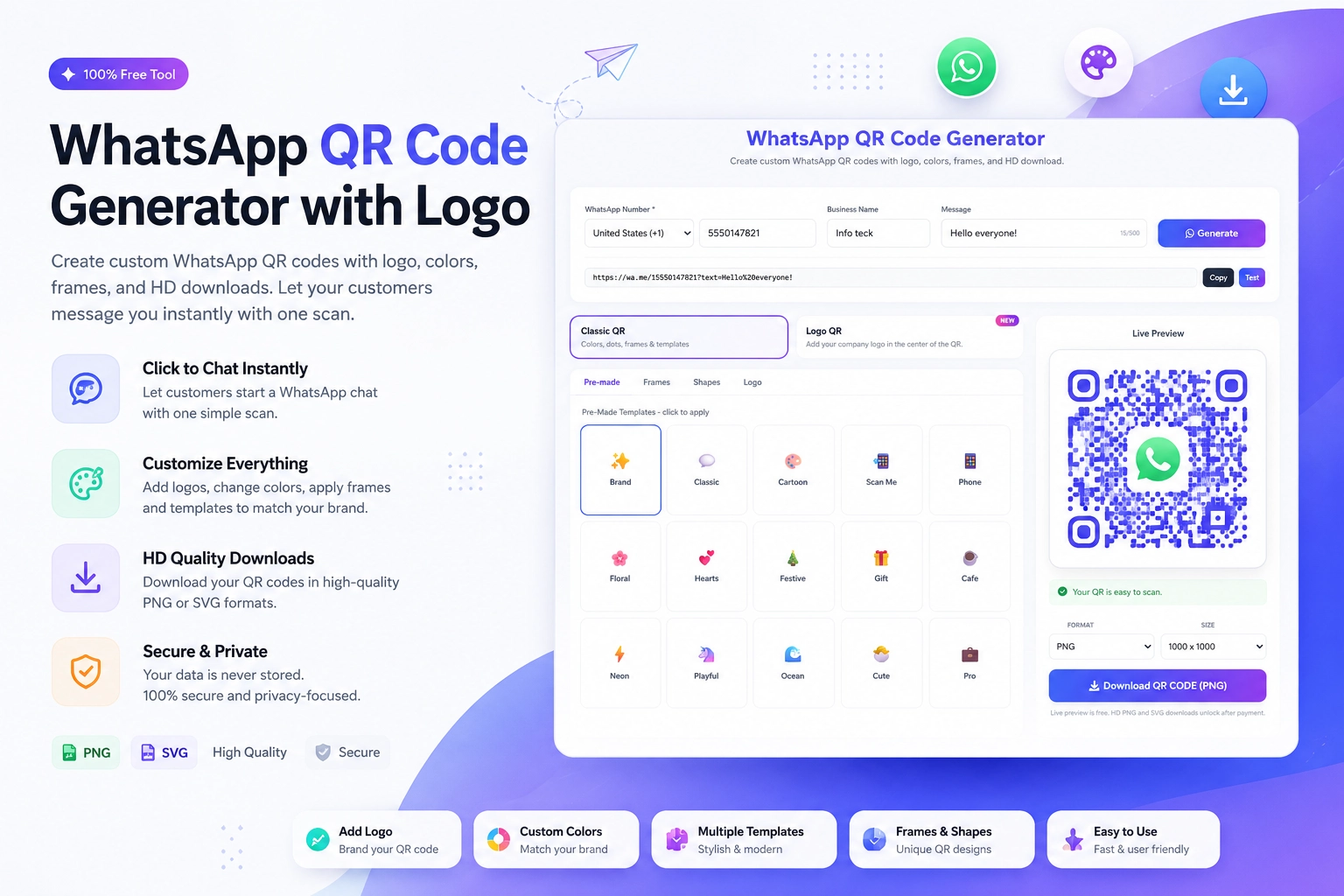
Create your QR code at the free Create WhatsApp QR Code tool at https://instantconverttools.com/whatsapp-qr-code-generator. Use a pre-filled message that signals product interest: "Hi! I'm interested in your products. Can you share more details?"
Step 4 – Deploy Your QR Code Everywhere
Place your QR code on:
- Your website (above the fold, in the contact section)
- Social media bio pages
- Product packaging inserts
- Business cards
- Any offline promotional materials
The Online Seller Conversation Flow
When a customer messages via your QR code:
- Send an instant welcome message (or set up an auto-reply in WhatsApp Business)
- Ask a qualifying question: "What are you looking for? I can suggest the best options for you."
- Share relevant product photos, catalog items, or a product video
- Answer questions: size, shipping time, payment methods, return policy
- Send a payment link or QR code for checkout
- Confirm the order with an estimated delivery time
- Share tracking information when shipped
- Follow up post-delivery to ensure satisfaction
Payment via WhatsApp
For online sellers, payment is the final conversion step. Options:
- UPI payment links (for India-based sellers)
- PayPal.me links
- Stripe payment links
- Razorpay or Cashfree payment pages
- Bank transfer details sent in chat
Simply paste the payment link into the WhatsApp chat and the buyer can complete the transaction in seconds.
Building Long-Term Buyer Relationships
The real power of WhatsApp selling isn't the first sale — it's the repeat sale. After each purchase:
- Thank the customer personally
- Ask for feedback when the product arrives
- Add them to your WhatsApp broadcast list for new arrivals
- Give them a loyalty discount code for their next order
Repeat buyers are 5x cheaper to convert than new buyers. WhatsApp makes retention effortless.
Scaling WhatsApp Sales
When your volume grows:
- Use WhatsApp Business API (via WATI, Zoko, or bird.com) for automation
- Set up chatbots for common questions (pricing, availability, shipping)
- Integrate with your CRM for order tracking
- Use broadcast messaging to announce new collections to segmented lists
Start Selling via WhatsApp Today
Generate your seller QR code at https://instantconverttools.com/whatsapp-qr-code-generator. Put it everywhere your customers can see it, and start building a personal, high-converting sales channel that you own — not one that's owned by an algorithm.