
Using WhatsApp QR Codes in Instagram Stories to Drive Sales
Published on 05 Jun 2026
Instagram Stories are your most watched content. Adding a WhatsApp QR code to your stories turns viewers into buyers. Here's how.
Using WhatsApp QR Codes in Instagram Stories to Drive Sales
Instagram Stories get views — often more views than your regular posts. But views don't pay bills. Conversations do.
Adding a WhatsApp QR code to your Instagram Stories is one of the most direct ways to convert a passive viewer into an active buyer. This guide shows you the exact tactics that work.
Why Stories Are the Best Place for Your WhatsApp QR Code
Stories are:
- Full-screen (your QR code is highly visible)
- Temporary (creates urgency — "available for 24 hours only")
- Interactive (stickers, polls, quizzes keep viewers engaged before the QR)
- Watched in the right mindset (people browse stories in "discovery" mode)
Unlike feed posts that people scroll past, stories require a deliberate tap to advance. Your audience is more attentive.
Five Story Formats That Drive WhatsApp Scans
The "Offer" Story
"We have 5 limited-edition [product] left. Scan to order before they're gone." + QR code. The scarcity creates urgency. The QR makes the action instant.
The "Ask Me Anything" Story
"Ask me anything about [topic/product]. Scan to chat on WhatsApp." This is especially effective for coaches, consultants, and service businesses.
The "Behind the Scenes" Story
Show your process, your workspace, your team. End with: "Curious about how this works for your business? Scan to chat." Curiosity converts.
The "New Collection/Product" Story
"Our new [product] just dropped. Scan to see pricing and availability." This uses WhatsApp as a private, VIP shopping channel.
The "Testimonial" Story
Share a customer testimonial or review, then end with: "Want results like this? Scan to talk to us on WhatsApp." Social proof followed by an easy action is a conversion powerhouse.
Creating the QR Code for Your Stories
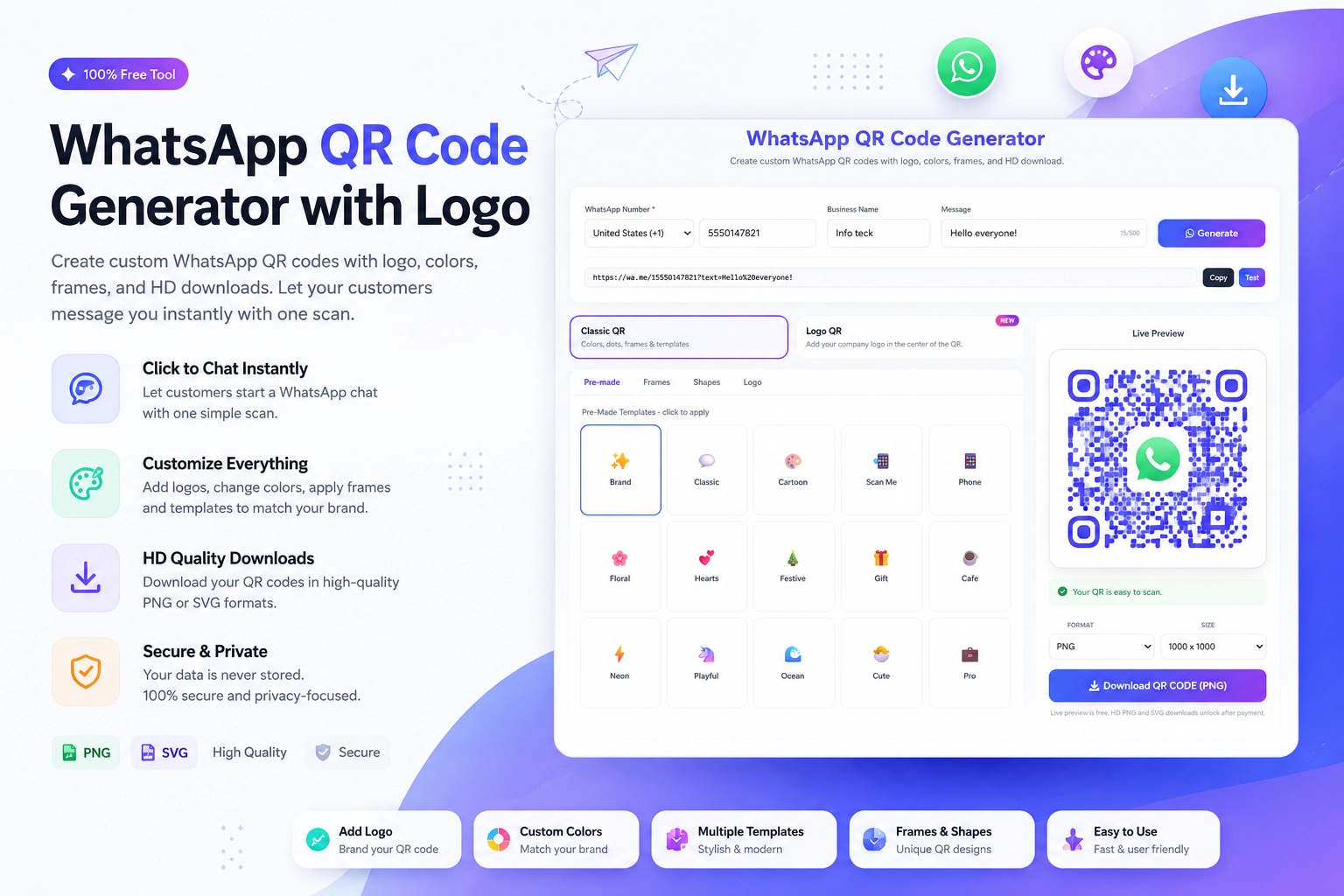
Generate your WhatsApp QR code at https://instantconverttools.com/whatsapp-qr-code-generator. For Instagram Stories specifically:
- Use a PNG with a transparent background so you can overlay it on any Story design
- Make it at least 500px x 500px for clarity on screen
- Customize the color to match your brand palette
- Add your logo to the center of the QR for brand recognition
Designing a QR Code Story in Canva
- Open Canva and create an Instagram Story (1080 x 1920px)
- Use your brand background color or a product photo as the base
- Add your WhatsApp QR code PNG to the center of the story
- Add text above: "Scan to chat with us on WhatsApp" or your specific CTA
- Add the WhatsApp logo below the QR for context
- Export and upload to Instagram Stories
Story Sequences That Convert
Single stories work, but story sequences perform better. Try this three-part sequence:
Story 1: Show the problem your product/service solves (relatable)
Story 2: Show your solution in action (desirable)
Story 3: WhatsApp QR code with CTA (actionable)
The progression builds desire before presenting the action step. Viewers who watch all three are far more likely to scan.
Using Story Highlights for Evergreen QR Placement
Your stories disappear after 24 hours — but Highlights don't. Create a permanent Story Highlight called "Chat With Us" or "Shop Now" that contains:
- Your WhatsApp QR code
- Your most popular products with prices
- Your FAQ story
- Testimonials
This gives new profile visitors a clear, always-available pathway to your WhatsApp.
Measuring Story QR Performance
Instagram Analytics shows story views and link taps. If you're using a click-to-chat link instead of a pure QR, you can track taps. For QR scans specifically:
- Track incoming WhatsApp messages that mention Instagram
- Use a unique pre-filled message ("Hi, I saw your Instagram story")
- Count new WhatsApp contacts acquired on story posting days vs. non-story days
Start Converting Story Viewers Today
Your next sale is one story away. Create your WhatsApp QR code at the free Generate WhatsApp QR Online tool at https://instantconverttools.com/whatsapp-qr-code-generator, design a story that stops the scroll, and start turning Instagram viewers into WhatsApp buyers.