
WhatsApp QR Code for Instagram Sellers: Convert Followers to Buyers
Published on 05 Jun 2026
If you sell products or services on Instagram, a WhatsApp QR code is your highest-converting sales tool. Here's how to use it effectively.
WhatsApp QR Code for Instagram Sellers: Convert Followers to Buyers
You've built an Instagram following. You post consistently. Your content gets saves and comments. But converting that attention into actual sales is harder than it looks — especially without a brick-and-mortar store or a proper e-commerce website.
WhatsApp, accessed via a QR code, is how thousands of small Instagram sellers close deals every day. Here's the full playbook.
Why WhatsApp Is the Perfect Sales Channel for Instagram Sellers
Instagram is a discovery platform. WhatsApp is a conversion platform. The combination is powerful:
- Instagram shows your product to new audiences
- WhatsApp closes the sale through personal conversation
- QR codes bridge the two without requiring followers to type anything
For fashion sellers, handmade goods creators, digital product vendors, and service providers — this combination works at every scale.
The Instagram Seller WhatsApp Flow
Here's what an effective Instagram-to-WhatsApp sales flow looks like:
- Customer sees your product in a feed post or story
- Caption says: "DM for pricing / Scan QR to WhatsApp us"
- Customer scans QR code from the post or story
- WhatsApp opens with: "Hi, I'm interested in [product name]. Can you share pricing?"
- You reply with pricing, photos, size/variant options
- Order is confirmed via WhatsApp
- Payment is made via your preferred method
- Customer is added to your WhatsApp VIP list for future launches
Crafting Product Posts That Drive WhatsApp Scans
Every product post should end with a QR code or a clear WhatsApp call to action. Here are caption strategies that convert:
Option A (Scarcity): "Only 3 left. Scan to order before they're gone." [QR code in story]
Option B (Social Proof): "37 orders shipped this month 🙌 Scan to join the list." [QR code in story]
Option C (Exclusivity): "New stock arriving Friday. Scan to get first access on WhatsApp."
Option D (Question): "Which color would you choose? Comment below or scan to order now." [QR in bio link]
Setting Up Your Instagram Seller WhatsApp QR Code
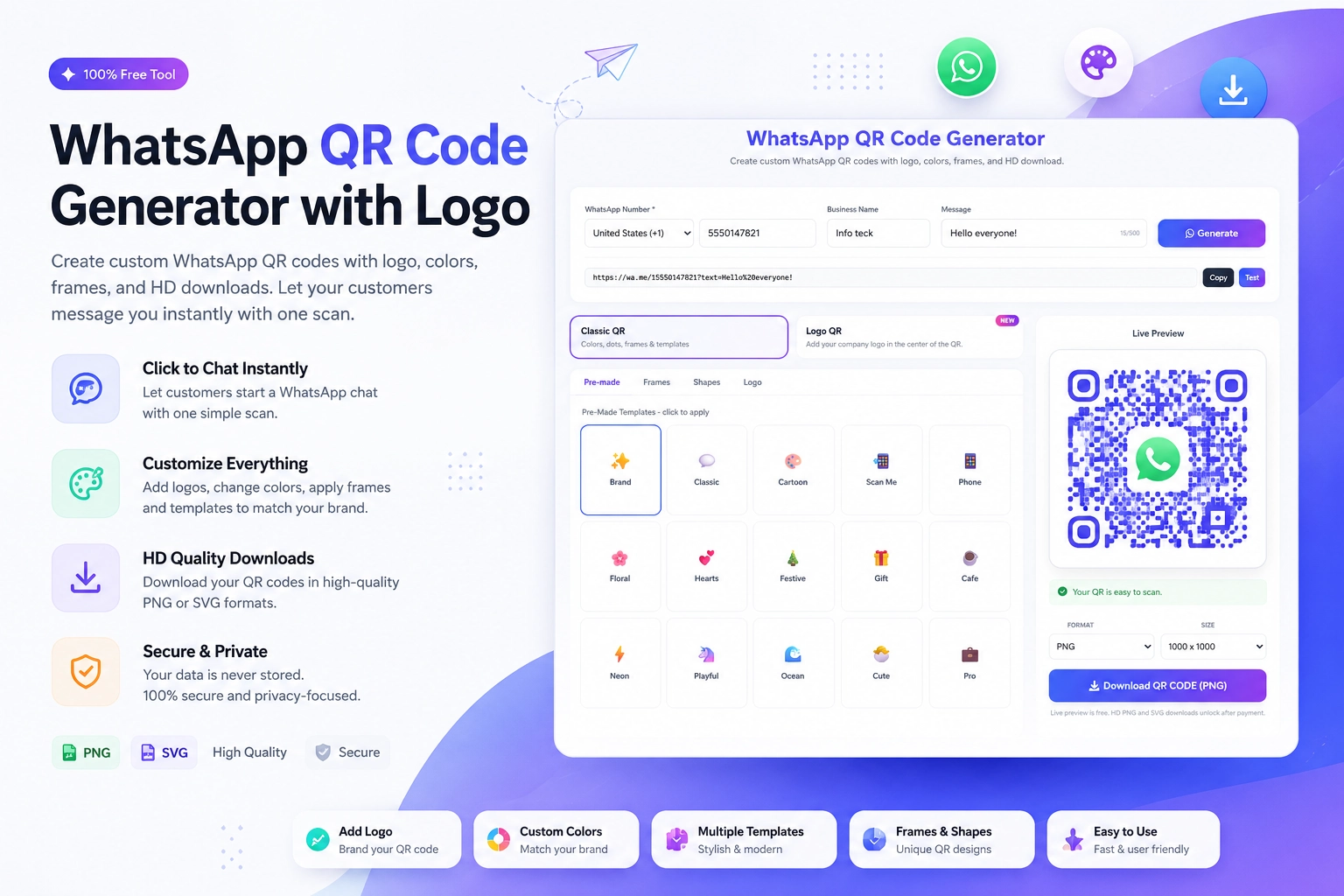
Head to the free WhatsApp QR Code Generator at https://instantconverttools.com/whatsapp-qr-code-generator and create your code with:
- Your WhatsApp Business number
- Pre-filled message: "Hi! I'm interested in your products. Can you send me more details?"
- Your brand color for the QR dots
- Your logo or brand mark in the center (optional but effective)
Download as a PNG for Instagram use.
Managing Orders via WhatsApp
As orders come in, keep things organized:
- Use WhatsApp Business labels: "New Inquiry," "Order Confirmed," "Payment Received," "Shipped"
- Create quick reply templates for pricing, shipping info, and payment instructions
- For higher volume, consider a WhatsApp order management tool like WATI or Zoko
- Keep your product catalog updated in WhatsApp Business Catalog feature
Building a VIP Buyers List
Your most valuable asset as an Instagram seller isn't your follower count — it's your WhatsApp buyers list. Every customer who orders via WhatsApp:
- Has proven they'll buy
- Has given you their direct contact
- Can be reached with new launches before public announcements
- Feels more loyal because of the personal communication
Build this list deliberately. After each order, add: "Would you like to be on our VIP WhatsApp list? You'll get early access to new drops and exclusive offers."
WhatsApp Broadcast for Launch Day
When you're ready to launch a new product or collection:
- Prepare a broadcast message with product photos, pricing, and a "reply YES to order" CTA
- Send to your WhatsApp VIP list (max 256 contacts per broadcast; use multiple lists for larger audiences)
- Respond to incoming orders in real time
- Update remaining stock in ongoing broadcasts: "15 sold! 10 left. Reply to secure yours."
Scale Your Instagram Sales with WhatsApp
The most successful Instagram sellers treat WhatsApp as their primary sales channel and Instagram as their marketing channel. The QR code is the connection. Create yours at https://instantconverttools.com/whatsapp-qr-code-generator and start building the sales pipeline that actually pays.