
WhatsApp Click-to-Chat Link vs. QR Code: Which Is Better for Instagram?
Published on 05 Jun 2026
Should you use a WhatsApp click-to-chat link or a QR code on Instagram? Here's a detailed comparison to help you choose the right approach for your business.
WhatsApp Click-to-Chat Link vs. QR Code: Which Is Better for Instagram?
If you're trying to drive Instagram followers to WhatsApp, you have two primary tools: a click-to-chat link (wa.me/[number]) or a WhatsApp QR code. Both work. But they work differently, and knowing when to use each makes a significant difference to your conversion rate.
What Is a WhatsApp Click-to-Chat Link?
A WhatsApp click-to-chat link (wa.me/+1234567890) opens WhatsApp directly when tapped on a mobile device. You can add a pre-filled message: wa.me/+1234567890?text=Hi+I+found+you+on+Instagram.
These links are placed in:
- Instagram bio (via Linktree or direct link)
- Instagram Stories using the "Link" sticker
- Instagram DMs as a shared link
- Email signatures and blog posts
What Is a WhatsApp QR Code?
A WhatsApp QR code encodes your click-to-chat link (including the pre-filled message) into a scannable image. When someone points their phone camera at it, it opens WhatsApp directly.
QR codes are used in:
- Instagram Stories as a graphic
- Instagram feed posts as a visual element
- Physical materials: packaging, cards, flyers, menus
- Digital graphics shared on screen
Comparison: Click-to-Chat Link vs QR Code on Instagram
For Instagram Bio
Winner: Click-to-Chat Link
A tappable link in bio is one click. A QR code requires opening a camera, which is more friction. For bio placement, always use a direct link.
For Instagram Stories (Digital)
Winner: Click-to-Chat Link (via Link Sticker) for simplicity
Winner: QR Code for visual campaigns where scanning feels intentional
On Stories viewed on a phone, the Link Sticker requires fewer steps. But QR codes work when you're showing the story on a different screen (like a product demo on a laptop) or when scanning feels like part of the experience.
For Physical Materials (Printed Promotions)
Winner: QR Code — overwhelmingly
Links cannot be "tapped" on paper. QR codes are the only option for packaging, posters, business cards, and flyers.
For Instagram Feed Posts
Winner: QR Code
Feed posts can't contain clickable links (except through the bio). A QR code image in the post can be scanned by anyone who sees it, making it actionable in a way a text URL isn't.
For Ads (Instagram and Facebook)
Winner: Click-to-Chat Link
Instagram ads support "Send WhatsApp Message" as a call-to-action button. This drives far more clicks than a QR code in an ad image.
When to Use Both Together
The smartest approach uses both simultaneously:
- Click-to-chat link in bio (for people who discover you on Instagram mobile)
- QR code in stories, reels, and feed posts (for people who see your content on various screens)
- QR code on all physical materials that connect to your Instagram audience
Creating Both Assets From the Same Tool
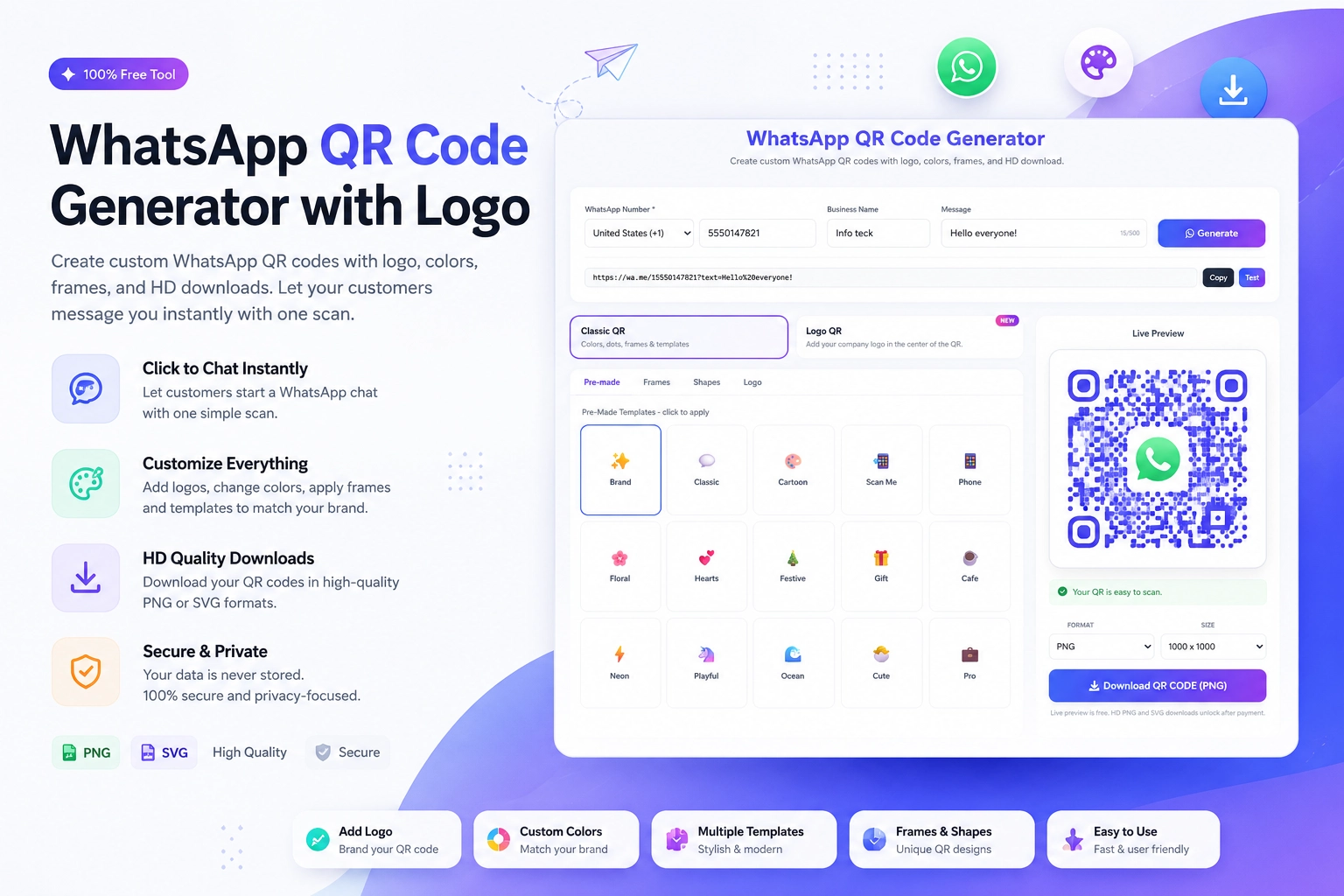
The free Create WhatsApp QR Code tool at https://instantconverttools.com/whatsapp-qr-code-generator generates both the QR code and the underlying wa.me link. You can use:
- The QR code image for visual content
- The underlying link for Instagram bio and story link stickers
The Pre-Filled Message Factor
Both click-to-chat links and QR codes support pre-filled messages. Use different messages for different placements to track conversion sources:
Instagram bio click: "Hi! I found you from your Instagram bio."
Instagram story QR: "Hi! I scanned your QR code from your story."
Feed post QR: "Hi! I scanned the QR code from your recent post."
Making Your Decision
Use a click-to-chat link when the user is on their phone and clicking is natural. Use a QR code when the user sees your content on a screen or physical surface and scanning is the only way to connect.
For most Instagram businesses, the answer is: use both. Generate your WhatsApp QR code at https://instantconverttools.com/whatsapp-qr-code-generator and grab your click-to-chat link at the same time. Cover every scenario.