
How Restaurants Can Use WhatsApp QR Codes to Get More Reservations
Published on 25 May 2026
Discover how placing a WhatsApp QR code on your restaurant table, menu, or window can drive instant reservations and customer conversations without expensive booking software.
How Restaurants Can Use WhatsApp QR Codes to Get More Reservations
Running a restaurant is nonstop — orders flying in, staff coordinating, and customers waiting. The last thing you need is a clunky reservations system that takes hours to manage. That's why more restaurant owners are turning to a surprisingly simple fix: WhatsApp QR codes on their tables, menus, windows, and receipts.
When a guest scans a small QR code and lands directly in a WhatsApp chat with your restaurant, the friction disappears. No app downloads, no forms, no hold music. Just a conversation.
Why WhatsApp Is Perfect for Restaurant Communication
Most people already have WhatsApp on their phone. In markets like India, Brazil, Southeast Asia, and across Europe and the Middle East, it's the primary messaging app. For restaurants, this means your customers are already comfortable using it.
Here's what restaurant owners are using WhatsApp QR codes for right now:
• Table reservations and booking confirmations
• Pre-order requests for birthday cakes, dietary needs, or group setups
• Menu inquiries ("Do you have a gluten-free option?")
• Takeaway and delivery orders for smaller venues
• Collecting feedback after the meal
• Sharing daily specials or limited-time offers via WhatsApp Status
Where to Place Your WhatsApp QR Code in a Restaurant
Placement matters more than most people realize. A QR code that goes unnoticed is a missed opportunity. Here are the highest-performing placements:
On the Physical Menu
Place a small QR code at the bottom of each menu page with the text: "Have questions? Chat with us on WhatsApp." This is especially useful for guests with dietary restrictions.
On Table Tent Cards
A QR code on a table card positioned near the condiments or by the bill folder catches eyes at the right moment — when guests are deciding whether to return or want to make a future booking.
On the Restaurant Window or Door
Before customers even walk in, they can scan your WhatsApp QR code to check seating availability or ask about the wait time. This is a game-changer during busy evenings.
On Takeaway Bags and Receipts
Repeat business comes from staying in touch. A QR code on your takeaway bag or receipt invites customers to reorder, give feedback, or follow your specials.
Step-by-Step: Creating Your Restaurant WhatsApp QR Code
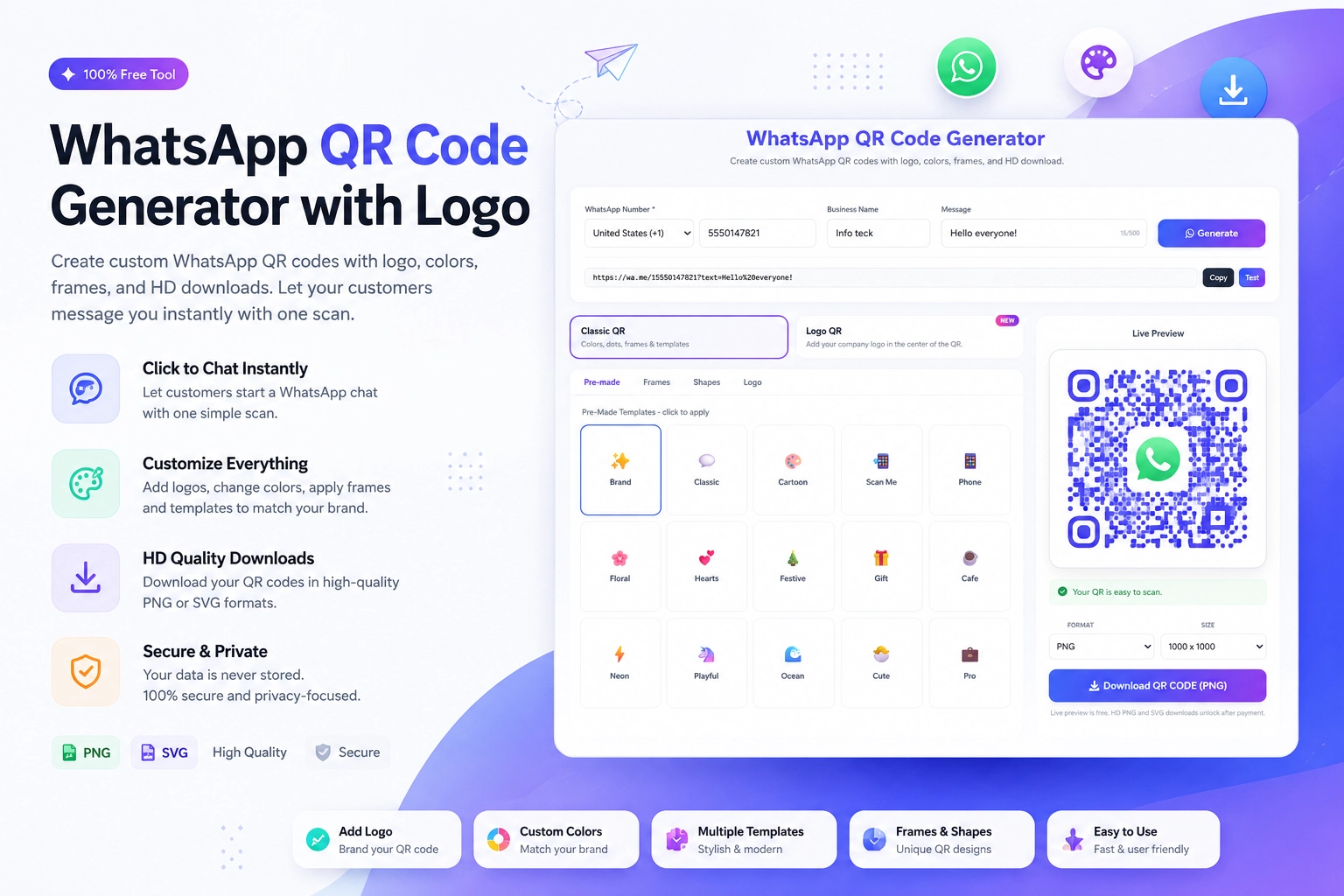
You don't need a developer or expensive software. You can create one in under two minutes using a free WhatsApp QR Code Generator. Here's how:
1. Open the tool at https://instantconverttools.com/whatsapp-qr-code-generator
2. Enter your WhatsApp business phone number (with country code)
3. Add a pre-filled message like: "Hi! I'd like to make a reservation for [date]"
4. Customize the QR code color to match your restaurant's brand
5. Download and print it
That's it. When someone scans it, WhatsApp opens on their phone with your number pre-loaded and the message ready to send.
Real-World Example
Imagine a mid-sized Italian restaurant with 60 covers. They placed WhatsApp QR codes on every table tent card and printed one on the bottom of their takeaway menus. Within two weeks:
• They received 40+ direct reservation requests via WhatsApp
• Customers started sending pre-order requests for special dietary meals
• The chef got advance notice for large groups, reducing kitchen stress
• Google reviews improved because they started following up with customers post-visit
None of this required an expensive booking platform.
What to Include in Your Pre-Filled Message
The pre-filled WhatsApp message is one of the most underused features. When someone scans your QR code, they can land in a chat with a message already typed for them — they just hit send.
Good examples for restaurants:
• "Hi [Restaurant Name], I'd like to reserve a table for [X] people on [date] at [time]."
• "Hi, can I check your availability for this Saturday evening?"
• "Hello, do you have vegan options on the menu?"
This reduces the effort for the customer and makes sure your team gets structured inquiries.
WhatsApp QR Code vs. Traditional Reservations
Feature WhatsApp QR Phone Bookings OpenTable/Resy
Cost Free Free Monthly fee
Response speed Instant Depends on staff Automated
Personal touch High High Low
Guest comfort Very high Medium High
Setup time Under 5 mins N/A Hours
For smaller and independent restaurants, the WhatsApp QR route wins on almost every metric.
Frequently Asked Questions
Can I use a WhatsApp Business account instead of personal WhatsApp?
Yes — and you should. WhatsApp Business gives you quick reply templates, a business profile, and working hours. It makes your restaurant look more professional.
Do customers need to save my number to chat?
No. The QR code opens the chat directly, even without saving the number.
Can I track how many people scanned my QR code?
The basic WhatsApp QR code doesn't have built-in analytics. For tracking, you can use a URL shortener with tracking before generating the QR, or use UTM parameters if you're linking to a WhatsApp click-to-chat link.
Get Started Today
Ready to try this for your restaurant? Use the free WhatsApp QR Code Generator at https://instantconverttools.com/whatsapp-qr-code-generator — no account needed, no watermark, just a clean, scannable QR code that sends customers straight to your WhatsApp in seconds.
Print it, place it, and watch the reservations come in.