
Designing a WhatsApp QR Code That Matches Your Cafe Brand
Published on 05 Jun 2026
A branded WhatsApp QR code looks professional and gets scanned more often. Here's how to design one that fits your cafe's personality and style.
Designing a WhatsApp QR Code That Matches Your Cafe Brand
A black-and-white QR code in the corner of a menu looks like an afterthought. A branded, colored QR code with your cafe's logo — placed intentionally, with a clear call to action — looks like a thoughtful business decision.
And it gets scanned far more often.
Design matters for QR codes just as it does for your logo, your signage, and your packaging. Here's how to design a WhatsApp QR code that actually reflects your cafe's personality.
Why Branded QR Codes Get More Scans
Research consistently shows that customized QR codes outperform plain ones. The reason is simple: a branded QR code looks intentional. It signals that the business behind it is professional and that the scan is worth the customer's time.
Key elements that increase scan rates:
- Color that matches the surrounding design
- A recognizable logo or icon in the center
- Clear and friendly call-to-action text
- Good contrast between the QR and its background
The Elements of a Great Cafe WhatsApp QR Code
Color
Your QR code doesn't have to be black. You can use your cafe's primary color for the QR dots and finder squares (the three square corners). Just ensure there's strong contrast with the background — dark QR on light background, or light on dark, both work well.
Example: A cafe with an earthy, warm brand might use a deep brown or terracotta for the QR dots against a cream background.
Logo in the Center
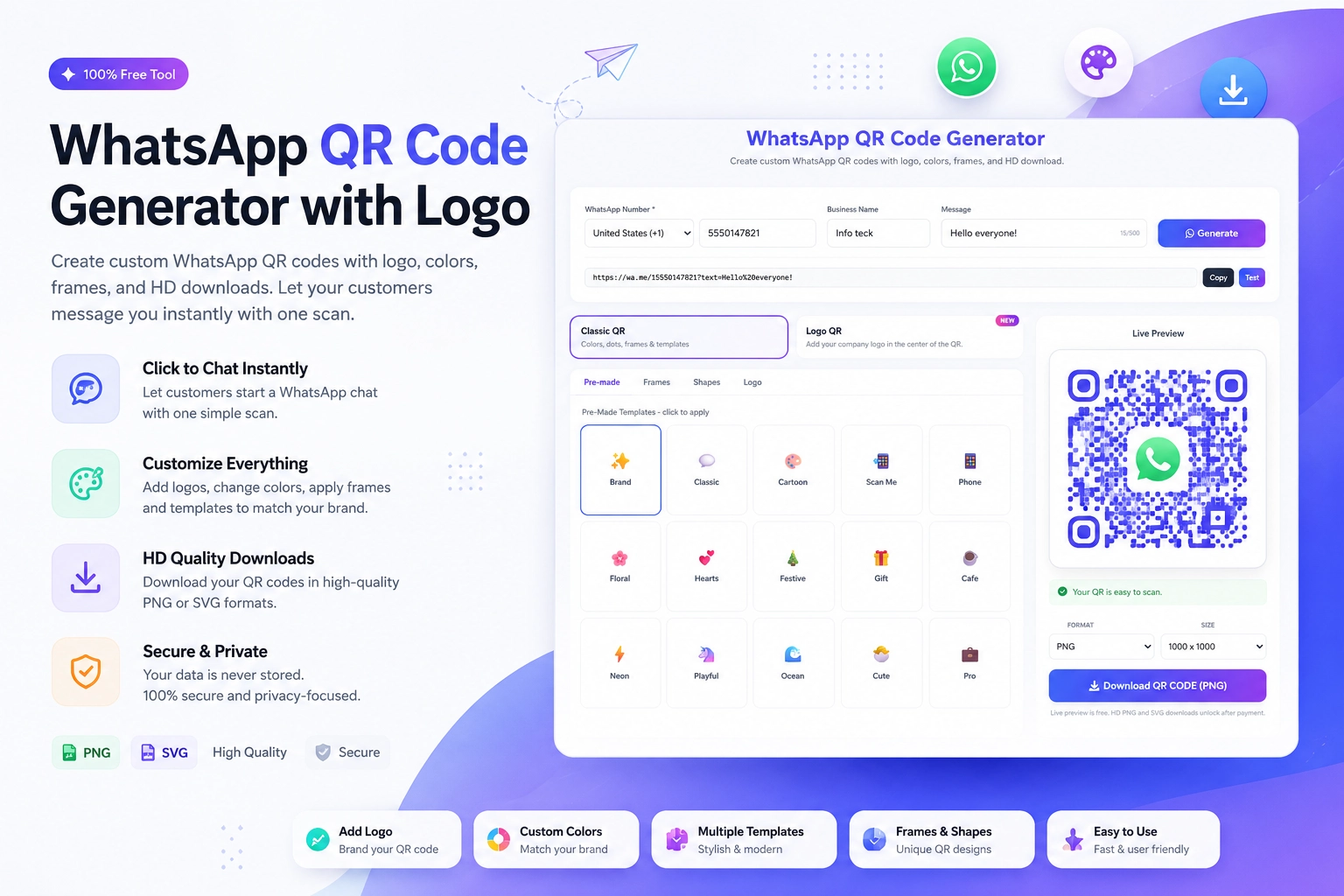
Adding your cafe's logo to the center of the QR code makes it instantly recognizable. The WhatsApp QR Code with Logo feature at https://instantconverttools.com/whatsapp-qr-code-generator lets you upload your logo and embed it cleanly. QR technology has error correction built in, so a small central logo doesn't affect scannability.
Border and Frame
A simple rounded border or frame around the QR code with the WhatsApp icon and your cafe name increases both aesthetics and clarity. You can add this using Canva after generating the QR code.
Call to Action Text
Every QR code needs text above or below it explaining what it does. For a cafe:
- "Scan to pre-order your coffee"
- "Scan to join our WhatsApp community"
- "Scan to see today's specials"
- "Chat with us on WhatsApp"
Keep it to one short line. Customers don't read QR code descriptions — they skim.
Step-by-Step: Creating a Branded Cafe QR Code
- Visit the WhatsApp QR Code Generator at https://instantconverttools.com/whatsapp-qr-code-generator
- Enter your WhatsApp Business number
- Add your pre-filled message
- Choose your brand color for the QR dots
- Upload your cafe logo for the center
- Download the QR as SVG (for print) or PNG (for digital use)
- Import into Canva and add your CTA text, border, and surrounding design
Placement Design Tips for Cafes
Table Cards
Design a double-sided card: one side with your menu or specials, the other with the branded QR code. Use your cafe's color palette throughout. Make it something customers want to pick up and look at.
Chalkboard Integration
If your cafe has a chalkboard, chalk out the QR code placeholder and paste a printed laminated QR in the center. Surround it with hand-drawn coffee cup doodles — it's charming and very on-brand for indie cafes.
Cup Sleeves
Commission a small print run of branded cup sleeves with your QR code. Customers carry these around, and others see the QR code in use — it becomes ambient marketing.
Tools for QR Code Design
- WhatsApp QR Code Generator at https://instantconverttools.com/whatsapp-qr-code-generator (for the actual QR with custom colors and logo)
- Canva (for designing the surrounding card, frame, and CTA)
- Adobe Illustrator or Affinity Designer (for vector-quality print files)
- Moo.com or Vistaprint (for professional print runs of cards or stickers)
Mistakes to Avoid in QR Code Design
- Using colors with too little contrast (light gray on white — never works)
- Making the QR code too small (minimum 3cm x 3cm for reliable scanning)
- Forgetting the CTA text entirely
- Distorting the QR code shape when resizing (always scale proportionally)
- Using a low-resolution download and then scaling it up (always use SVG for print)
Create Your Branded Cafe QR Today
Your cafe has a personality — your QR code should too. Head to the free Generate WhatsApp QR Online tool at https://instantconverttools.com/whatsapp-qr-code-generator and create a customized, branded QR code that matches your cafe's look and feel. Then give it the design attention it deserves.