
Using WhatsApp QR Codes for Restaurant Feedback Collection
Published on 05 Jun 2026
Turn every meal into an opportunity. Learn how to use WhatsApp QR codes to collect authentic customer feedback and improve your restaurant's Google ratings.
Using WhatsApp QR Codes for Restaurant Feedback Collection
The best restaurants don't just serve food — they listen. But getting honest feedback is hard. Online review forms feel formal. Google reviews take effort. Most guests just walk out and say nothing, even if the experience wasn't perfect.
A WhatsApp QR code changes this dynamic entirely. When a guest finishes their meal, a QR code on the receipt or table says "How was your experience? Chat with us." It's casual, personal, and takes five seconds to use. That's the kind of feedback channel people actually use.
Why Most Restaurants Fail at Feedback Collection
The typical feedback journey for a restaurant guest:
- Has a mediocre experience
- Doesn't want to complain directly (awkward)
- Goes home and posts a 2-star Google review instead
- Restaurant owner finds out days later
This cycle is preventable. The key is creating a low-friction, private channel where guests can share honest opinions before they go public. WhatsApp is that channel.
The Feedback QR Code Strategy
Here's the strategy used by smart restaurant owners:
Step 1 – Set Up a Dedicated Feedback WhatsApp Number
Ideally, use a WhatsApp Business number separate from your reservations number. This keeps feedback conversations organized. Set the pre-filled message to: "Hi, I'd like to share my feedback about my visit today."
Step 2 – Generate the QR Code
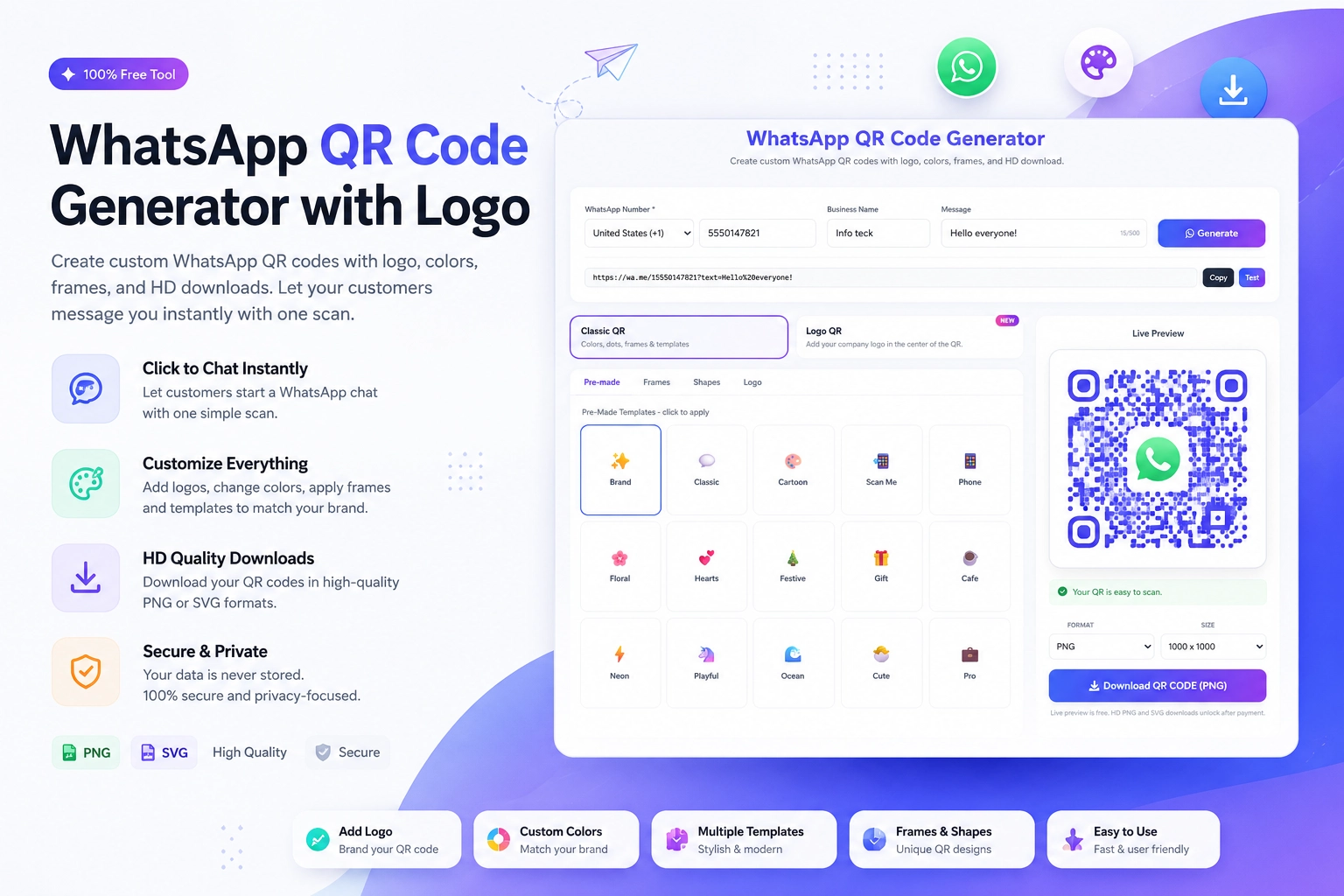
Use the Create WhatsApp QR Code tool at https://instantconverttools.com/whatsapp-qr-code-generator. Enter your feedback WhatsApp number and the pre-filled message. Download the QR as a high-resolution image.
Step 3 – Place the QR on Your Bill/Receipt
Print the QR code on every receipt or bill folder. Add text like: "Your experience matters to us. Scan to share feedback directly — it takes 30 seconds." This placement catches guests at the exact moment they're reflecting on their experience.
Step 4 – Respond to Every Message Within 2 Hours
Speed matters enormously here. A guest who shared feedback and got a genuine, personal response is far more likely to return and far less likely to post a negative public review.
Step 5 – Turn Positive Feedback Into Reviews
When a guest shares positive feedback on WhatsApp, reply with: "We're so happy to hear that! If you have a moment, sharing a Google review would mean a lot to us: [your Google review link]." This is the most effective way to increase Google ratings — because you're asking people who are already happy.
What Kinds of Feedback Will You Get?
Restaurant feedback via WhatsApp tends to fall into a few categories:
- Specific dish feedback ("The lamb was incredible, but the sides were cold")
- Service comments ("Our server was attentive and lovely")
- Atmosphere and ambiance notes ("A bit loud for a date night")
- Suggestions ("Can you add a vegan dessert option?")
- Complaints ("Waited 40 minutes for our starters")
All of this is gold. The complaints tell you what to fix. The compliments tell you what to promote.
Managing Feedback at Scale
If your restaurant gets busy, a stream of WhatsApp feedback messages can pile up. Here's how to manage it:
- Use WhatsApp Business labels: "New Feedback," "Responded," "Follow-Up Needed"
- Create quick reply templates for common responses
- Review all feedback messages weekly with your team
- Build a simple spreadsheet log of themes and issues raised
- Track whether issues mentioned are recurring (e.g., slow kitchen on Fridays)
Connecting Feedback to Business Improvement
The restaurants that use feedback best don't just collect it — they act on it. Some practical ways to close the loop:
- Share weekly WhatsApp feedback themes in team meetings
- Recognize and reward staff mentioned positively by name
- Update menu items or preparation based on taste feedback
- Adjust scheduling if feedback consistently mentions wait times on specific days
Real Results from WhatsApp Feedback QR Codes
A restaurant that introduced WhatsApp feedback QR codes on receipts reported the following over 60 days:
- 3x more feedback received than through the online Google review form
- 12 issues identified and resolved before they became public complaints
- Average Google rating improved from 3.9 to 4.4
- 6 staff members recognized and rewarded for positive mentions
These aren't unusual results. When feedback is easy to give and genuinely acted on, it transforms guest relationships.
Get Your Feedback QR Code Today
Create your restaurant's WhatsApp feedback QR code right now using the free tool at https://instantconverttools.com/whatsapp-qr-code-generator. Add it to your receipts, bills, and follow-up messages. Let your guests know their voice matters — and prove it with every reply you send.