
How to Add a WhatsApp QR Code to Your Instagram Profile
Published on 05 Jun 2026
Turn your Instagram followers into WhatsApp conversations. Learn exactly how to add a WhatsApp QR code to your Instagram bio and stories to drive direct messages.
How to Add a WhatsApp QR Code to Your Instagram Profile
Instagram gives you reach. WhatsApp gives you relationship. The combination of both is where sales happen — and a WhatsApp QR code is the bridge between them.
If you have an Instagram account for your business, personal brand, or side hustle, this guide shows you exactly how to use a WhatsApp QR code to convert your followers into real conversations.
Why Instagram Followers Don't Automatically Become Customers
Instagram is a discovery platform. People browse, save posts, follow accounts, and engage with content — but conversion is hard because there's no easy next step from post to purchase for many businesses.
The typical conversion path is:
Instagram post → Profile → Website → Contact form → Wait for reply
That's too many steps, and too slow. The WhatsApp path is:
Instagram post → Scan QR in story/post → WhatsApp opens → Conversation starts
Where to Use Your WhatsApp QR Code on Instagram
Instagram Bio Link
Use a link-in-bio tool like Linktree, Beacons, or a simple landing page. On that page, display your WhatsApp QR code prominently above the fold. Add a "Scan to chat with us on WhatsApp" headline.
Instagram Stories
Upload your WhatsApp QR code as a story image. Add a sticker that says "Scan this to reach us directly." Stories are full-screen, which means the QR code is large enough to scan. Add a "Swipe Up" link (if you have 10k+ followers) or a "Link" sticker pointing to your WhatsApp chat link.
Instagram Reels and Posts
In tutorial or "how to" reels, end with a frame showing your QR code: "Scan to ask us anything about this on WhatsApp." This turns informational content into lead generation.
Instagram Highlights
Create a permanent "Chat with Us" highlight where the first story slide is your WhatsApp QR code. This ensures new profile visitors can always find how to reach you.
Creating Your Instagram WhatsApp QR Code
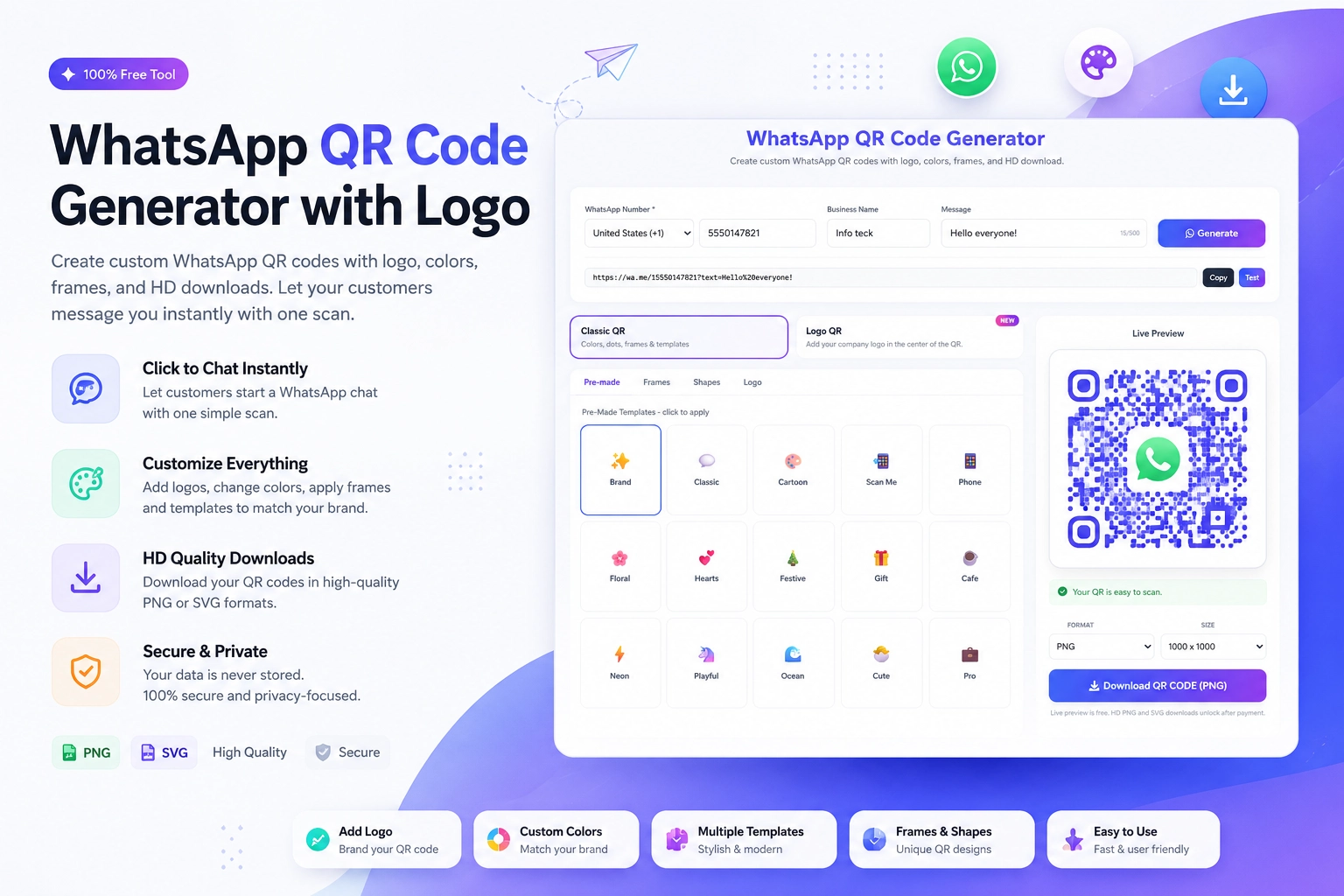
Use the free WhatsApp QR Code Generator at https://instantconverttools.com/whatsapp-qr-code-generator. Enter your WhatsApp number and add a pre-filled message like:
"Hi! I found you on Instagram and would like to know more."
Download as a PNG. For Stories, use a transparent background or match the Story background color to your brand palette.
Designing QR Stories for Instagram
Instagram stories are 1080 x 1920 pixels. When designing your WhatsApp QR story:
- Use your brand's background color or a clean gradient
- Place the QR code large and centered (at least 600px x 600px on the story)
- Add your Instagram handle and WhatsApp logo
- Write: "Scan with your camera to chat with us instantly"
- Use bold, easy-to-read fonts
Canva has Instagram Story templates that you can customize and drop your QR code into.
Promoting the QR Code Across Your Content
Don't just post the QR once. Integrate it into your content strategy:
- Every promotional post: add a slide at the end with the QR code
- Weekly reminder story: "New to our page? Here's the easiest way to reach us"
- Product launch content: "Want early access? Scan to message us on WhatsApp"
- Behind-the-scenes content: "Have questions? Scan here to ask us directly"
Combining Instagram DMs and WhatsApp
Some followers will reach out via Instagram DMs instead of scanning your QR code. That's fine — meet them where they are. But for serious buyers or long-term conversations, transition them to WhatsApp:
"Great question! It'll be easier to share all the details on WhatsApp. Here's my number: [number] or scan this [QR code image] to chat there."
Tracking Your Instagram-to-WhatsApp Conversions
To track how many people reach WhatsApp from Instagram:
- Create a unique pre-filled message for Instagram-sourced contacts ("Hi, I came from Instagram")
- Use a distinct WhatsApp number for Instagram traffic if you need separate tracking
- Note the source in your CRM or chat notes when someone first mentions Instagram
From Followers to Conversations to Customers
Instagram builds your audience. WhatsApp builds your relationships. A QR code connects the two. Create your WhatsApp QR code now at https://instantconverttools.com/whatsapp-qr-code-generator and start turning your Instagram followers into real business conversations.