
WhatsApp QR Code for Cafe Pre-Orders: Reduce Wait Times and Boost Sales
Published on 05 Jun 2026
Speed up your morning rush with WhatsApp pre-orders. Learn how to set up a cafe QR code system that lets customers order ahead and skip the queue.
WhatsApp QR Code for Cafe Pre-Orders: Reduce Wait Times and Boost Sales
The 8:30am rush is the defining moment for most cafes. Orders piling up, the espresso machine going full speed, customers sighing behind the person who still hasn't decided between a cortado and an Americano.
WhatsApp pre-orders, triggered by a QR code, can transform this chaos into calm. Customers order in advance, pay on collection, and walk in knowing their drink is ready. Here's how to build this system from scratch.
Why Pre-Orders via WhatsApp Beat Dedicated Apps
You might think you need a dedicated ordering app or an expensive platform like Square or Toast to run pre-orders. You don't. WhatsApp works beautifully for cafes that serve regulars, and here's why:
- Zero development cost or monthly subscription
- No app download required for customers
- Customers already use WhatsApp daily
- Conversations feel personal, not transactional
- You can handle exceptions and customizations easily ("extra shot, oat milk, no foam")
How a WhatsApp Pre-Order Flow Works
Here's a typical pre-order exchange at a well-run cafe:
Customer (7:45am): Hi! I'll be in around 8:45. Can I pre-order a large oat latte and a blueberry muffin?
Cafe: Of course! Large oat latte + blueberry muffin confirmed for 8:45. That'll be £7.50. Pay at collection. See you soon!
Customer (8:44am): Just arrived!
Cafe: Ready on the counter — enjoy!
That entire exchange takes 30 seconds on both sides and eliminates three minutes of queue time for one customer. Multiply that across 20 regulars every morning.
Setting Up Your Pre-Order WhatsApp QR Code
Create the QR Code
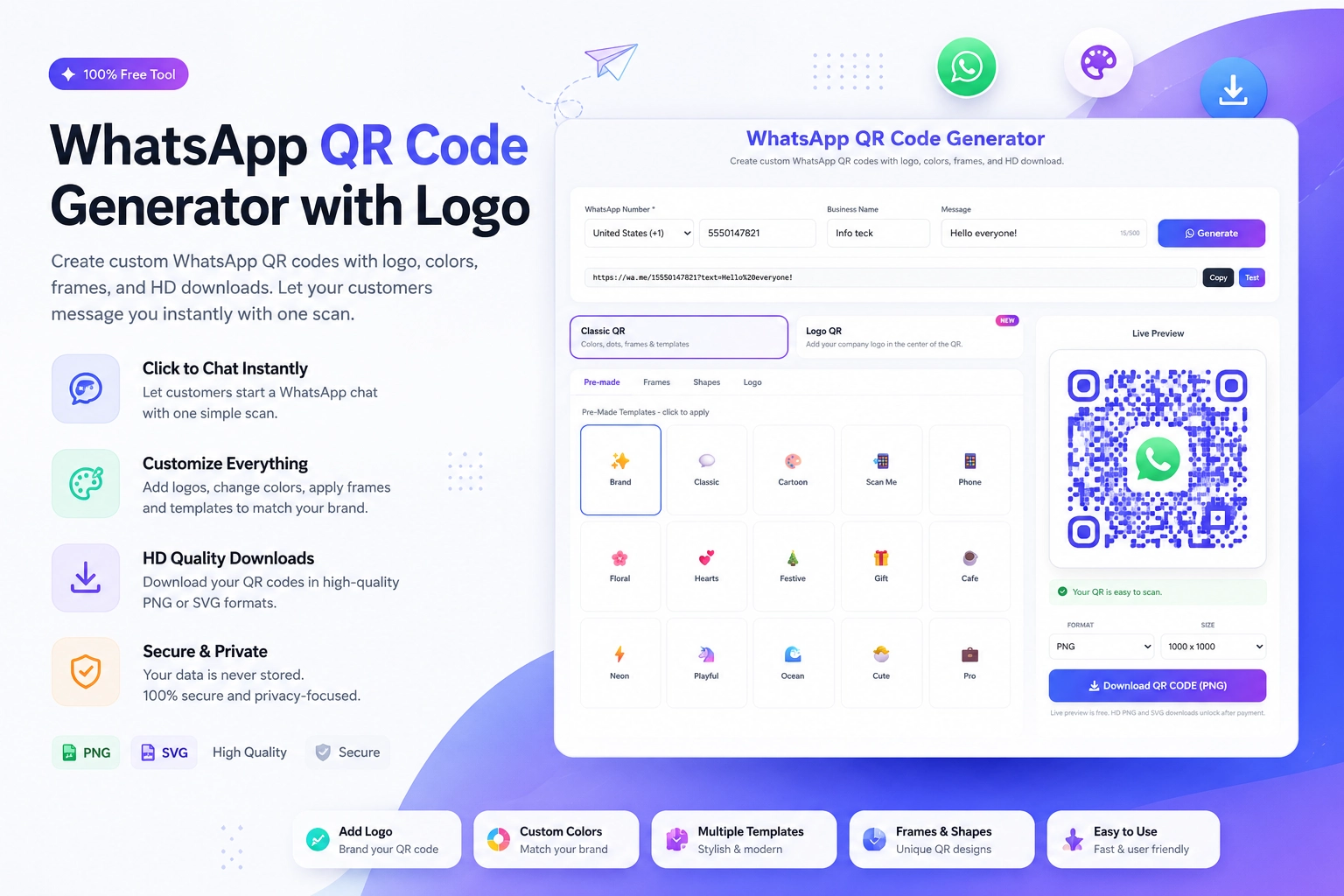
Use the free WhatsApp QR Code with Logo tool at https://instantconverttools.com/whatsapp-qr-code-generator. Enter your cafe's WhatsApp Business number and add a pre-filled message:
"Hi! I'd like to place a pre-order. Here's what I'd like: [item] at [time]."
This structured pre-fill helps customers know exactly what to include in their order message.
Place It Strategically
The best placements for a pre-order QR code:
- On the entrance door: "Order ahead — scan to WhatsApp us before you arrive"
- On the loyalty card: "Pre-order on WhatsApp — we'll have it ready"
- On a small sign near the till: "Next time, skip the queue — scan to pre-order"
- On your Instagram bio link page (for customers who follow you online)
Managing Pre-Orders Without Losing Your Mind
As pre-orders increase, you need a light system to stay organized:
Use WhatsApp Business Labels
Create labels like: "8am Orders," "9am Orders," "Ready for Collection," "Collected." This gives you a visual board of the morning's pre-orders.
Set Cut-Off Times
Be clear about pre-order cut-off times: "Pre-orders accepted from 7pm the night before until 8am on the morning. Same-day orders 30 minutes in advance during off-peak hours."
Confirm Every Order
Always send a confirmation message. It reduces no-shows and errors. A quick "Got it! See you at [time] ☕" keeps things friendly and professional.
The Revenue Impact of Pre-Orders
Pre-orders consistently increase average order value. When customers have time to think (versus deciding under pressure at the counter), they often add an extra item — a pastry, a second drink, a snack for later.
Cafes that implement WhatsApp pre-orders report:
- 15-25% increase in average transaction value among pre-order customers
- Significant reduction in peak wait times
- Improved staff experience (less chaotic mornings)
- Higher repeat visit frequency (pre-order customers visit more often)
Handling Special Requests and Customizations
WhatsApp is better than any app for handling complex orders because it's a conversation. Customers can specify:
- Exact milk type and temperature
- Strength preferences
- Allergen requirements
- "Can you add extra syrup? Last time was perfect with two pumps"
No dropdown menu in an app can replicate that flexibility. And when you remember their preferences, you create a loyal customer.
Start Your Cafe Pre-Order System Today
All you need is a WhatsApp Business account and a QR code. Generate your cafe's pre-order QR code at the free Create WhatsApp QR Code tool at https://instantconverttools.com/whatsapp-qr-code-generator. Print it, place it, and tell your regulars to start using it tomorrow morning.