
WhatsApp QR Code on Business Cards for Freelancers
Published on 05 Jun 2026
Freelancers who add WhatsApp QR codes to their business cards turn every handshake into a business conversation. Here's your simple setup guide.
WhatsApp QR Code on Business Cards for Freelancers
Freelancers live and die by their network. A great conversation at a networking event, a referral from a past client, a chance meeting at a coffee shop — these are the seeds of your next project. But if you hand over a business card and nothing happens next, the seed never grows.
A WhatsApp QR code makes sure something happens next. Immediately.
Why Freelancers Specifically Benefit from WhatsApp QR Codes
Unlike large companies with sales teams and formal inquiry processes, freelancers are a one-person operation. You're the product. Your personality, responsiveness, and communication style are what clients buy.
WhatsApp is perfectly aligned with this reality:
- It feels personal and direct
- Response times are immediate (which signals you're reliable)
- Conversations feel collaborative, not transactional
- Clients can share references, files, and briefs directly in chat
What Kind of Freelancers Use This Most Effectively
This approach works across almost every freelance discipline:
- Photographers: Clients can send event briefs, share mood boards, and confirm bookings
- Designers: Share mockups and receive feedback in real time
- Writers: Discuss project scope and exchange drafts via document uploads
- Developers: Clarify specifications and share progress updates
- Coaches and consultants: Schedule discovery calls and share session notes
- Makeup artists and beauty professionals: Send portfolios and confirm booking details
Setting Up Your Freelancer WhatsApp QR Code
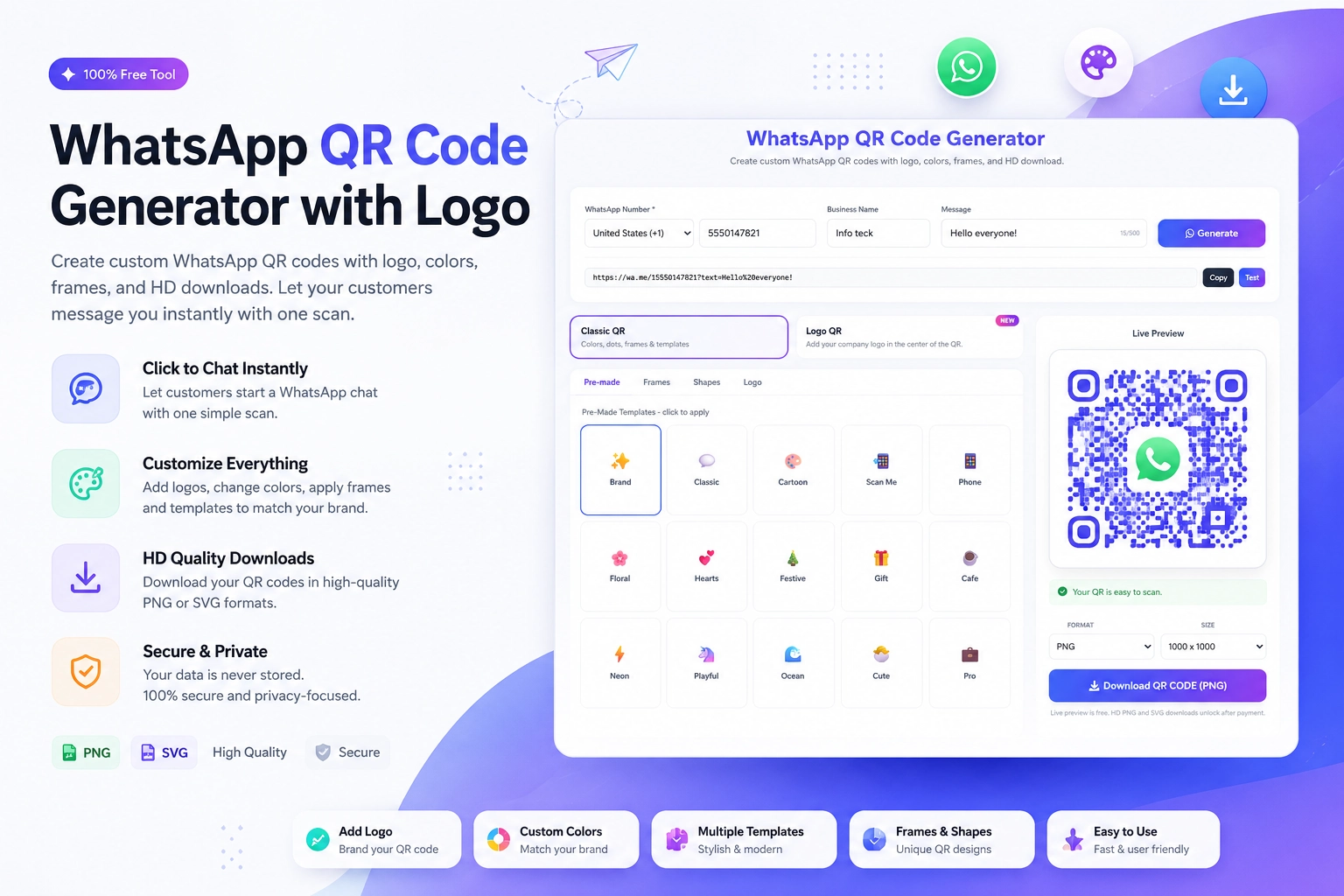
Head to the free WhatsApp QR Code Generator at https://instantconverttools.com/whatsapp-qr-code-generator and create a QR code with:
- Your personal or business WhatsApp number
- A pre-filled message relevant to your work: "Hi, I saw your work and I'm interested in discussing a project."
Download in SVG for crisp printing, then place it on the back of your business card.
Making Your Freelancer Business Card Stand Out
Most freelancer business cards look like this: name, title, email, phone, website. They're fine — but they're forgettable. Adding a WhatsApp QR code immediately signals that you're modern, accessible, and easy to work with.
Design ideas that work:
- Back of card: Large QR code with "Let's work together — scan to chat" in your brand font
- Minimalist front: Just your name, specialty, and website — the QR does the rest
- Creative fields: Make the card itself a piece of your work (a mini portfolio, an illustration, a code snippet) with the QR on the back
The Pre-Filled Message Strategy for Freelancers
Your pre-filled message is your elevator pitch in text form. Think about what you'd want a new client to say to start the conversation:
For photographers: "Hi! I'm interested in booking a session. Can we discuss availability and pricing?"
For designers: "Hi! I'd love to see your portfolio and discuss a potential project."
For developers: "Hi, I have a project I'd like to get a quote on. Are you available for a quick chat?"
Match the pre-fill to what you want to discuss, not just a generic greeting.
Following Up After Someone Scans Your Card QR Code
When someone scans your QR code and sends the pre-filled message:
- Reply within the hour if possible
- Thank them and ask a qualifying question to understand their project
- Share a portfolio piece relevant to their apparent needs
- Suggest a brief call or voice note exchange to discuss details
This response pattern positions you as responsive, professional, and proactive — exactly what clients look for in a freelancer.
Keeping the Relationship Warm
Even if someone scans your QR code and the project doesn't happen immediately, you now have their WhatsApp contact. Check in three months later: "Hi, hope you're well! Just checking in — any projects coming up where I could be useful?" This light touch keeps you top of mind without being annoying.
Build Your Freelance Client Pipeline
Every business card you hand out should open a WhatsApp conversation. Make it happen automatically with a free QR code from https://instantconverttools.com/whatsapp-qr-code-generator. Your next client is one scan away.