
How to Make a Digital Business Card with a WhatsApp QR Code
Published on 05 Jun 2026
Paper business cards have limits. A digital business card with a WhatsApp QR code goes anywhere, costs almost nothing, and starts conversations instantly.
How to Make a Digital Business Card with a WhatsApp QR Code
The physical business card is a handshake artifact — meaningful in person, but limited in a digital-first world. A digital business card, by contrast, goes everywhere: social media profiles, email signatures, WhatsApp groups, LinkedIn, Zoom backgrounds, and presentation decks.
Add a WhatsApp QR code to a digital business card and you've created the most direct networking tool available: one that lives on any screen and starts a real conversation in three seconds.
What Is a Digital Business Card?
A digital business card is typically an image (PNG or JPEG) or PDF designed to look like a business card but optimized for sharing on screens. It can be:
- Saved to a phone's camera roll and shared via messaging apps
- Embedded in email signatures
- Posted to social media or WhatsApp status
- Used as a profile picture or cover photo on social platforms
- Saved as a contact link (via tools like Linktree or a landing page)
Why Add a WhatsApp QR Code to Your Digital Card?
A digital card without an action is just a graphic. A WhatsApp QR code transforms it into a conversation launcher:
- Recipients can scan the QR code directly from their screen using another phone
- On mobile, they can tap the QR code (if linked) or screenshot it for scanning
- The QR code works in print AND digital — making your card truly versatile
Tools to Create Your Digital Business Card
Canva
Free and beginner-friendly. Choose a business card template (standard size: 3.5" x 2"), add your details, and import your WhatsApp QR code image from the generator.
Adobe Express
More control over typography and layout. Great for creatives who want a distinctive design.
Figma
Perfect for designers and developers who want pixel-perfect control and easy sharing via Figma links.
Linktree or Beacons
If you want a link-based digital card rather than an image, these platforms let you create a landing page with all your links — including your WhatsApp chat link.
Step-by-Step: Creating Your Digital Business Card
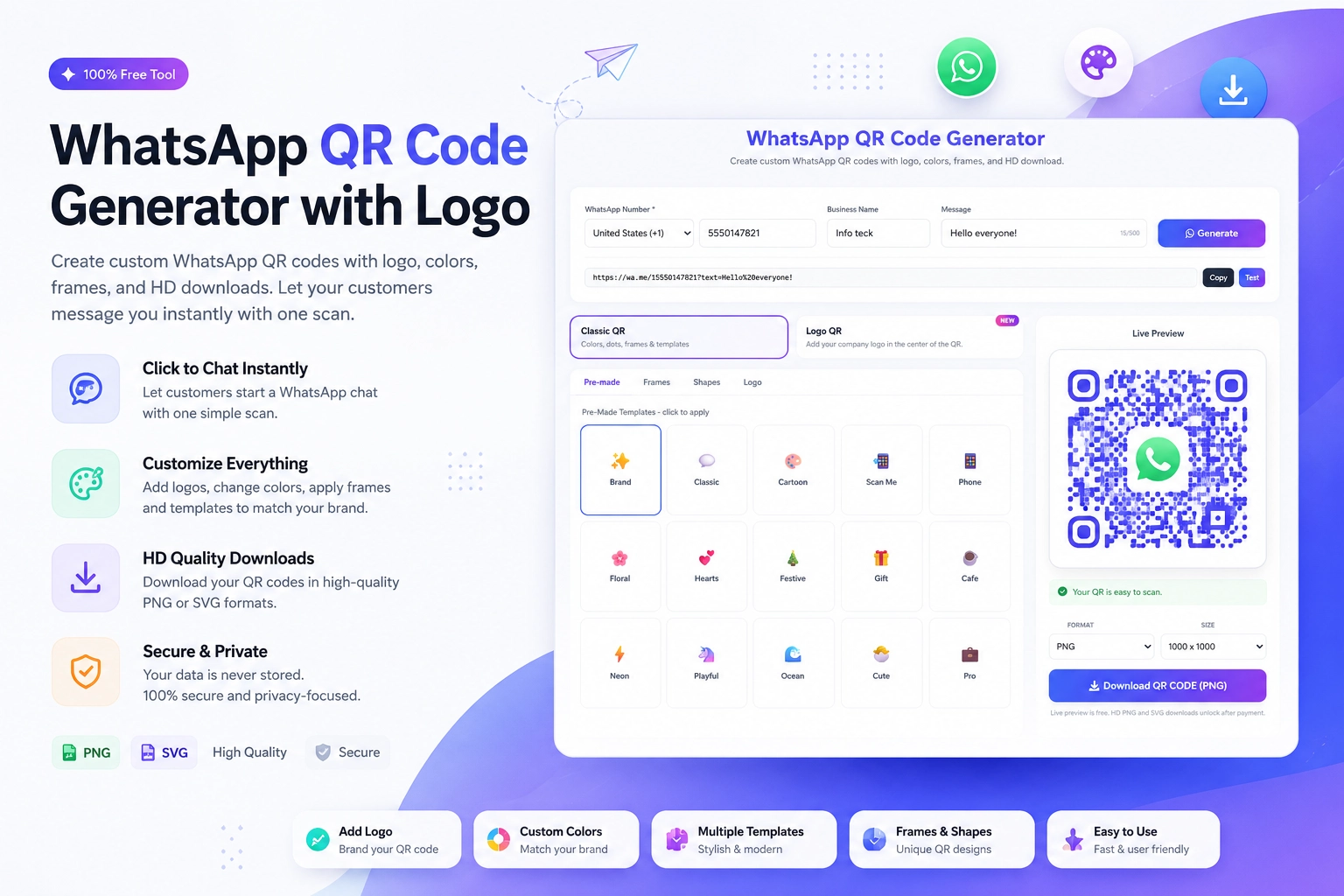
Step 1: Generate your WhatsApp QR code at https://instantconverttools.com/whatsapp-qr-code-generator. Download as a PNG.
Step 2: Open Canva and choose a business card template or create a blank design at 1050 x 600px (standard card at 300dpi).
Step 3: Add your name, title, company, website, and email.
Step 4: Import the WhatsApp QR code PNG and place it on the back or in a corner.
Step 5: Add a micro-CTA near the QR: "Scan to chat on WhatsApp."
Step 6: Export as PNG at the highest resolution.
Sharing Your Digital Business Card
Email Signature
Add your digital card image at the bottom of your email signature with a "Download my contact card" link or just the image itself.
WhatsApp and iMessage
Send the image directly to new contacts, colleagues, or prospects you meet in digital spaces.
LinkedIn Profile
Pin it as a "Featured" document on your LinkedIn profile so visitors can download it.
Social Media Bio
Instagram, Twitter/X, and Threads all allow link-in-bio. Create a simple landing page with your digital card and link to it.
PDF Portfolio
Add your digital card as the last page of any PDF portfolio you share.
Making Your Digital Card Screen-Friendly
A few design adjustments make digital cards more effective than their print counterparts:
- Use high contrast — screens vary widely in brightness
- Make the QR code at least 150px x 150px for reliable scanning from a screen
- Use clean, readable fonts at a slightly larger size than print
- Include clickable elements if sharing as a PDF (hyperlink your email, website, and WhatsApp number)
The Full Professional Package
Create your WhatsApp QR code at https://instantconverttools.com/whatsapp-qr-code-generator, design your digital card in Canva, and distribute it across every platform you use. A modern, digital-first professional presence that opens conversations — not just contact books.