
Business Card QR Codes for Sales Professionals: Converting Contacts into Leads
Published on 05 Jun 2026
Sales professionals who add WhatsApp QR codes to their business cards convert more contacts into real conversations. Here's exactly how it works.
Business Card QR Codes for Sales Professionals: Converting Contacts into Leads
In sales, every interaction is a potential opportunity — and every business card you hand over is a mini pitch. If that card ends up uncontacted in someone's drawer, you've lost the opportunity.
WhatsApp QR codes on business cards change the conversion equation. Instead of hoping someone will type your number, they scan and connect in three seconds. Here's how to use this as a sales tool.
The Sales Follow-Up Problem
The average time between meeting a prospect at an event and a meaningful follow-up conversation is five to seven business days. That's too long. By then:
- They've met 50 other vendors
- Your conversation has faded from memory
- They've already shortlisted someone else
The salesperson who makes contact first, while the memory is warm, wins.
How WhatsApp QR Codes Speed Up the Sales Cycle
When a prospect scans your WhatsApp QR code immediately after your handshake at the event:
- You have their WhatsApp number
- They have yours
- The conversation has begun
- Follow-up becomes natural, not cold
You can follow up the same evening: "Great meeting you today! Happy to share more about what we do — let me know if you have questions." That message gets read. An email sent three days later probably doesn't.
Crafting the Right Pre-Filled Message for Sales QR Codes
Your pre-filled message sets the tone of the relationship. For sales, it should be warm but purposeful:
Option A (General): "Hi [Your Name], great meeting you at [Event]. Looking forward to learning more about what you do."
Option B (Interest-forward): "Hi, I'd love to learn more about [Product/Service Name]. Can we set up a quick chat?"
Option C (Value-focused): "Hi, I'd like to receive the case study you mentioned. Thanks!"
Option C is particularly powerful if you've mentioned a specific case study, tool, or resource during your conversation.
Using WhatsApp for the Full Sales Conversation
WhatsApp isn't just for first contact — it's a complete sales communication tool:
Sharing Proposals and Decks
Send PDFs, presentations, and proposals directly in WhatsApp. It's faster than email, and you can see when they've been viewed.
Voice Messages for Nuance
A 30-second voice message explaining a proposal feels far more personal than a two-paragraph email. WhatsApp voice notes have a 90% listen rate.
Quick Follow-Ups Without Pressure
A WhatsApp message feels conversational, not formal. "Just checking in — any questions on the proposal?" hits differently than an email with the same words.
Video Demos and Walkthroughs
Share short screen recordings or product demo clips directly in the chat. No email attachment limits, no "file too large" errors.
Creating Your Sales Business Card WhatsApp QR Code
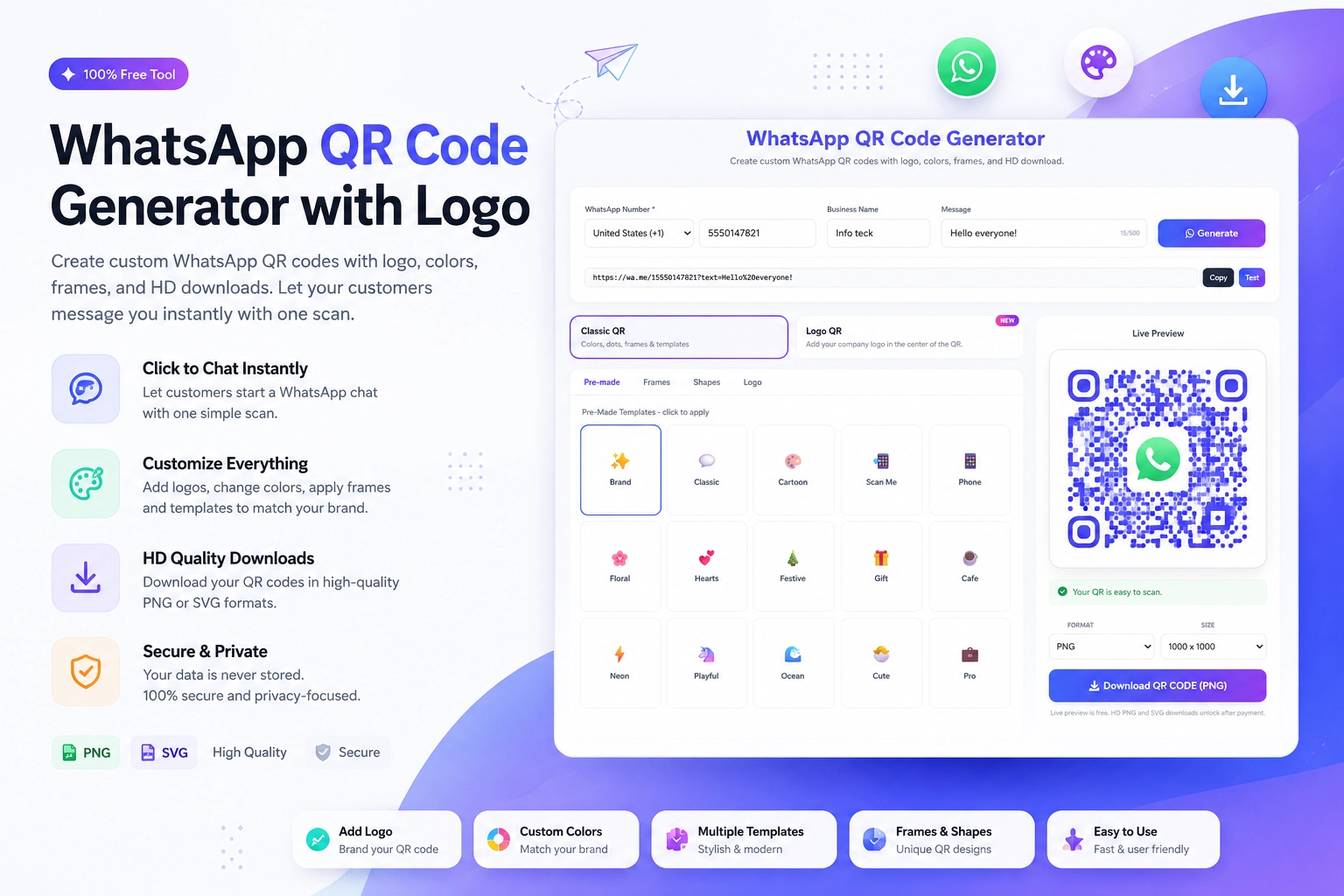
Generate your QR code at https://instantconverttools.com/whatsapp-qr-code-generator. Use your personal mobile number (not a shared team number) so conversations feel individual and personal. Add your brand color to the QR for a polished look, and upload your company logo if the tool supports it.
For your pre-fill message, test a few versions over time and track which generates the most scan-to-reply conversions.
Combining WhatsApp with CRM
Once WhatsApp becomes your primary sales communication channel, connect it to your CRM:
- Use a WhatsApp Business API platform (like WATI, Respond.io, or Bird) to log conversations in your CRM automatically
- Tag contacts by deal stage
- Set reminders for follow-up based on last message date
- Track open and response rates for broadcast messages
What Your Sales Card Should Look Like
Front of card: Name, title, company, email, website
Back of card: WhatsApp QR code with "Scan to connect on WhatsApp" + WhatsApp logo
Keep it simple. The QR code is the action item. Everything else is reference material.
Your Next Conversation Starts With a Scan
Don't wait for prospects to type your number. Put a WhatsApp QR code on your business card and make connection effortless. Create yours now with the free WhatsApp QR Code Generator at https://instantconverttools.com/whatsapp-qr-code-generator.